
by Nick Throlson | Jan 8, 2019 | WordPress
A diverse range of WordPress themes are on offer and they include both free and premium categories. Whatever be the type or class of the theme, it should be tested throughout to ensure that no bugs are present. The most popular and the most intelligent process to get a bug-free WordPress theme is to simulate a development environment that helps to nip most of the bugs in their buds. Other than that, there are several other ways in which one can achieve a bug-free WordPress theme. To better understand the procedures and their application areas, it is immensely important to classify the entire development of the WordPress theme into distinct phases. It will help in focussing upon the components more discreetly and also will help to avoid confusion. These phases are as follows
- Initial Setting up of the theme
- Core Development Phase
- Testing and monitoring the final product
Initial Set Up
The initial setting up can be devised and designed in such a way that it reduces the chances of error or bugs to the lowest possible level. Following are some of the things that can be done to ensure that this phase is compact
#1. Use a network (WordPress Multisite)
Developing a network installation might pose some methodological challenges but it is still useful to do so as to insure from the very beginning that the themes work well.
#2. Custom Table Prefix
Apart from equipping the WordPress theme with an extra level of security, what the custom table prefix also does well is that it makes sure that one is not required to hard code database queries. Every coder involved in this processes are so aware of default prefixes such as wp_ that these prefixes can also be looked upon or considered as a de-facto mini password for the database.
#3. Make the debugging information active
What this simply means is an instruction that ?don?t leave your variables undefined?. Keeping these types of undefined variables spread all around might not act as an immediate challenge but will definitely crop up ass problems for future development.
#4. Disable WordPress script concatenation
Handle this feature well and keep an eye on whether your scripts are pulled in separately or not.
#5. Advanced query analysis
The save queries command needs to be set constant so that WordPress saves all the queries performed in a variable and they can be further accessed by printing them whenever it is required.
The setting up phase will have a very less probability of being prone to bugs if the above instructions are followed carefully, and apart from the above one can also follow the following two features so that the phase is complete in terms of checking.
Core Development & Final Testing Phase
This is the phase that a coder enjoys the most and at the same time bears the highest possible risk for errors and bugs to creep in. But all that can be tackled efficiently, if one follows some basic operating principles from the very beginning of the phase, and these principles are as follows:
#6. Don?t keep things pending
Not only starters, but seasoned coders as well often concentrate more on the bigger picture and take a bird?s eye view to the content intricacies. For a WordPress theme coder, undoubtedly the development of the form is of prior importance, but that should not lead to overlooking staff that are vital for successful running of the theme. Therefore coders who are affected by the touch-up syndrome, which means doing the bigger things first and then covering up for the smaller components, should be more careful about doing things as per a well chalked out road map, that incorporates every milestone inside it in a chronology of time rather than ranking it in its relative importance.
#7. Follow a modular approach
It?s very important that an object oriented PHP or the generic philosophy of an object oriented language is used from the beginning. Following this approach will give birth to simple patterns that can act as a back-end for a widget which ensures that the data is saved properly and with the provision of front end code to be added that can work anywhere anytime.
The Modular approach can also be successfully used in writing codes. These code writing mechanisms make the codes clean, easy to trace and maintain in a systematic way.
#8. Using the appropriate tools
This is again a very important thing to consider as the proper choice of tools can always lead to a faster progress, these tools are like Less, Code kit, Snippets, Thumbnail Regeneration, Template hierarchy, Browser development tools and other WordPress knowledge tools.
#9. Testing and follow up
WordPress itself comes with an application called WordPress theme check that is an extremely useful tool to make it sure that the themes developed are as per specifications. It can be applied successfully for following up on parameters like legacy functions, incorrect text domains, hidden files and other required functions and attributes.
Apart from the above checking the following can be applied as and when required
#10. Using Cloud app and Fluffy app
These are so useful to comfortably upload files and to play around with the screenshots. To do the same preparation and playing around with screenshots fluffy app can be used if you are working on the windows.
Bonus Tip ? Keeping a Bug Management workflow in place
Preparing a bug management work flow might seem difficult but can be effectively used as tools of bug management are available all around. You just need to select the proper one.
Apart from all that has been said above it is also important that a version control methodology is put in place with proper documentation of processes followed. Generating the maximum possible viewership for testing and allocation of ample time always prove to be useful as far as testing the final theme is concerned.
Author Bio. :- Priya is a Technical SEO at Hopinfirst, a Real Estate app development company, having a team of best app developers who delivers best Real Estate app solutions mainly on Android and iOS platform. She regularly contributes his knowledge on the blogging sites.
by Nick Throlson | Dec 19, 2018 | WordPress
WordPress is one of the largest blogging platforms. It is accessed by a variety of people from different niches. And is hence a home to knowledge and talent worldwide. Losing information from a WordPress site is like losing out a lot, at one go! Backups are hence very important. It is advisable to have a backup for your WordPress to help you restore all the information. WordPress contains files and a database. While backing up, we are supposed to back up both. There are two ways to restore your backup file. One is to use an automatic WordPress backup plugin while the other is to create a backup manually. You can create a backup of the database by yourself. And you can download your WordPress files through FTP. Since changes are made in WordPress every now and then, restoring is a big task, if performed manually. Your server or site can be hacked or might stop functioning at any time. The only thing that saves you from the trouble that follows, is a backup! There are several ways to backup your WordPress. This article highlights some of the very commonly used methods:
1. Backup your files using BackUp plugins for WordPress:
- Use BackUpBuddy:
BackupBuddy is packed with real-time backup solutions in its own Stash Service. It also provides site migration and remote storage. By BackUpBuddy, one can schedule and create partial or full backups in the following way:
Download Backupbuddy i.e importbuddy.php. Install it like any other WordPress plugins.
Configure Backupbuddy by creating a password for it. And then, providing an email address where all error notifications can be sent.
Download a copy of your backup from BackupBuddy ? Backups and choose "Complete Backups"
Once you have both importbuddy.php and backup file with you, use FTP to connect to your website.
Import both the files to your site's root folder.
Once both files are uploaded, visit importbuddy.php in your web browser.
Enter the password that you created during configuration.
Your backup file will then be unzipped and a success message will be shown on the screen.
(ii) Use VaultPress
VaultPress is a part of the JetPack plugin that offers one-click restore. It is very easy to use and also comes with real-time backup. It offers cloud backup for 30 days too. To use VaultPress:
Log in to your WordPress account.
Go to Add Plugins >> VaultPress. Click on install.
Once installed, register your site with it.
After registration, VaultPress begins it first backup automatically.
When you want to restore the backup, you just have to log in to VaultPress and click on restore.
You can select all the files, plugins you want to restore.
Once that is done, click on Prepare Backup.
After that is ready, you have to confirm the restore by clicking on "Restore Now"
Restoring your backup is hence only a few clicks away with VaultPress!
(iii) Use All-In-One WP Migrator:
All-In-One WP Migrator is not a backup plugin but a migration plugin. It is an easily restorable migration plugin which also helps in partial and full backups. The reason why this is a great plugin for backup is that the export here is at the user's convenience. Once you have logged in, backed up and exported your files, restoring them is pretty easy. Here's how you can do it:
Go to All-In-One WP Migration menu and select import.
On the import page, select the location where you want to restore your backup.
Choose a backup file you want to restore and start the import process.
A dialogue box warning you of overwriting your site with backup data appears on the screen. Choose "Proceed"
Once you have clicked on Proceed, your backup will be restored.
The amount of time taken depends on the size of your backup always.
2. Backup your files using cpanel:
Your site must have a manually created backup of WordPress database using cpanel. This backup should be done using cpanel hosting for WordPress. If you have it done already, the process is very simple.
You need to log into your Cpanel account.
Under files section, click on backup.
Under backup, choose "Restore a MySQL database backup"
Click on choose file and select the backup file. Click upload after that.
Restoration is complete after that.
3. Backup using FTP for WordPress files:
Delete all existing WordPress files and directories.
Download WordPress and extract it to your hard disk.
Launch FTP client and launch all WordPress files to your server.
After uploading WordPress files, upload a wp-config.php file from your backup.
Edit the wp-config.php file and enter your database information. Save and upload it to your website.
Upload all other files from backup.
Install all the plugins that you had used earlier for your WordPress.
Install the theme that you had used. If you had a customized WordPress builder themes, you can also restore it from backup files.
Adjust Permalinks settings to match your site properly.
Following which, your website is successfully restored.
Whether you are blogging about top wedding dresses for lesbian brides or sharing your favorite place to visit, chances of losing data always remain. And that is why you need to keep a check on your blog every now and then. You can definitely restore your backup and set up WordPress all over again using the methods stated above. But is that it? Would restoring your data end your work? Never indeed! You must also focus on making your site more secured once the restoration process in over. Change your passwords after backups. Use better security for the website. And also, schedule regular backups. Backing up data regularly for your WordPress is one great habit that you can inculcate.
Author Bio:-
MARY JONES is the co-founder & editor-in-chief at TopMyGrades which focuses on Content Marketing Strategy for clients from the Education industry in the US, Canada & UK. Mary has conducted a series of webinars for AssignmentEssayHelp. She has extensive content editing experience and has worked with MSNBC, NewsCred & Scripted. She has also authored blogs on Lifehack.org, Wn.com, Medium.com, Minds.com and many more digital publications.
by Nick Throlson | Oct 24, 2018 | WordPress
WordPress is one of world?s most popular content management platforms. With easy to use free blog tools and self-hosted sites, WordPress has a lot to offer. From amateur site-runners/owners to seasoned industry veterans, everyone is in love with WordPress and none can deny the fact that not only is it easy to use, cool, and chic, but also extremely robust, and thanks to its thousands of plugins, a complete solution for website management.WordPress maintains a repository of many powerful plugins which developers and site owners appoint to give their websites a complete feel. While the utilities of these plugins vary, many among the plug-in bank exist to serve a single purpose. So choosing a couple among them, gets quite confusing. ?And to further add to the confusion, not all of these apps are free to use. Some of them are Premium, but most of them are freemium(Plugins which offer basic functionality for free but require you to purchase them if you need to add additional features). Now because there are so many plugins in the WordPress Plugin directory, it is not possible to rate each one of them and tell you which ones you should have and which ones you shouldn't. So instead, we have created a list of some must-have plugins for your WordPress websites. So let?s jump in!- WP Smush- image optimization
A picture is worth a thousand words. Yes, and especially nowadays. An image can be used to pass on a plethora of information which will reduce the amount of content you would have had to write instead just to explain the same thing. Also, images bring a lot of visual appeal to your website as well.But while they are incredible tools, images take up a lot of storage space and take too long to be uploaded and downloaded. This problem intensifies for slow speed networks. This can be disastrous. So to reduce the size and loading time of these images, plugins like WP Smush exist in the WordPress plugin repository. What this tool does is compress your image using advanced compression techniques and makes sure that the quality of your image remains intact. It is a freemium plugin.- Yoast SEO
It doesn?t matter how beautiful or useful your website is; if it can?t be reached, then it is of no use, to you or your users. Search engines are a major source of website traffic. Most users will be able to use your website only if a search engine can index it in search results. Thus you need to make sure that search engine crawlers can get to your site. Search Engine Optimization is just as vital for you as having a website in the first place. It makes sure that your site has been designed in a way in which search engines can get to it. For WordPress sites, a plugin called Yoast SEO is there to do all of that. It helps you in creating more SEO friendly content which will compel search engines to list your website higher in the search results. The key to SEO is to provide users with relevant information and not to catfish them onto your sites for the sake of views. Latest algorithms followed by search engines these days are extra cautious of such trickery, and so, you need to prove it to these bots that your website has relevant content.From choosing proper keywords and writing your articles in a way which makes the most of these keywords, to tell you how to format your article to increase its visual appeal, Yoast SEO does it all.It is a freemium plugin.- Jetpack
Jetpack is a plugin which has been developed by the creators of the WordPress itself. It is a powerful tool which is jam-packed with many functionalities which will help your website in ranking higher in search results. Jetpack looks after Security, traffic growth, image optimization, and many other such things. It contains an upgraded distribution function which automatically shares your content with other third-party tools like search engines and helps in increasing your site traffic. It is a free plugin.- Akismet
Developed also by the good people at WordPress, Akismet is one of the top anti-spam plugins in the WordPress plugin repository. It goes over all the comments on your website and provides users a history after flagging the spam content. It is basically a one-stop tool for you to make sure that your website remains free of any sort of spam. It is a default plugin which comes along with every WordPress core installation. It is a freemium plugin.- W3 Total Cache
Among the most significant setbacks your website can suffer from, one is a longer loading period. If your website has a lot of CSS work and if the images on your site take too long to load, then users will get frustrated and exit your site. The solution to this problem is caching. Caching is the process of storing temporary data in small memory segments called caches. There are many caching plugins in the WordPress plugin repository. What they do is they save temporary HTML files in users? cache, so that the next time they load your site, it will not take as long as before. This will increase the traffic on your site and your SEO quotient too. W3 Total Cache in one of the most popular caching tool on WordPress. It allows you to cache web pages, databases, browsers, etc. Because of the reduced loading time, you will get higher rankings in search results, and that will lead to higher site traffic.It is a freemium plugin.- Security Plugins
We can?t overstate the necessity of having security. Countless malicious bots are roaming the spectrum which will latch on to your site and make it collapse in a matter of seconds. So you need to have armor against these cancerous troublemakers. There are many plugins in the WordPress plugin repository which will enhance the security of your website. Some of them are: - All in One Security
- Wordfence
- BulletProof Security
- Sucuri
- iTheme security
There is no clear winner and no clear loser among these tools; all of them are high-end plugins which are very good at their jobs. So you can pick anyone you like for your website.- Everest Forms- Easy Contact Form and Form Builder
One of the key pages every website needs to have is an excellent looking contact page. It needs to be visually fetching and at the same time, needs to give users just the right amount of information. Furthermore, contact pages these days allow users to contact you directly, without them having to send you an email. It enables users to type in some information about themselves and then jump straight to their query, complaint or question.To create such contact forms for your WordPress site, plugins like Everest forms exist. One of the biggest advantages of Everest is its incredibly easy to use drag and drop interface. It lets you create your contact form by merely picking up elements from the side of the interface and dropping them anywhere you like on your workspace. And not only does it let you create fundamental forms, but also advance ones with Google reCaptcha support, redirect page options, etc.It is a free plugin. - Google Analytics for WordPress by MonsterInsights
Studying your traffic and knowing more about it will help you in creating a better site and increase the user traffic. There are many insight tools for WordPress websites which help you in obtaining vital stats for your website. The best among them by leaps is Google Analytics for WordPress by Monster Insights.This plugin will allow you to monitor various real-time statistics for your website and will create multiple demographics and interest reports to better your knowledge about your site traffic.It will also allow you to keep an eye out on your product popularity and because it comes integrated with Google Adsense, the stats related to your ads will also be made available to you as well.It is a free plugin. - MailChimp for WordPress
It is very crucial that you keep in touch with your users. And to that, nothing is more effective than a properly created marketing mail which you can send to all your users in one single click and then track the results in bulk. Plugins like MailChimp are excellent email marketing tools for every site owner to have. It allows you to create beautiful subscription forms in your blog and can also be integrated with any other forms on your site like- Contact forms, checkout forms, etc. It is a freemium tool.- Google XML Sitemaps
It is another SEO tool which your website needs to have. Google XML Sitemaps creates a sitemap for your website which makes it easier for search engine bots to browse through your website. This in return will help search engines in getting a better idea of your site structure and index it higher in search results. It is a free plugin.- WordPress Amp
WordPress Amp is a plugin which can add AMP (Accelerate Mobile Pages) to your website. With just a few clicks, this tool can make your site mobile ready. AMP HTML is an open source solution by Google which lets you turn your websites into mobile-optimized content which can then be loaded anywhere you like. WordPress Amp brings a lot of other things to the table as well. It boosts up your site SEO, brings more traffic from Google, improves user experience, and using Adsense and Woocommerce, it allows you to earn extra money by selling goods.It is a premium plugin.ConclusionUsing the above plugins, you can manage your website and juice out the maximum profit from it. They give you a complete control over your website and make sure that you get your money?s worth out of it. Apart from these, there are many other useful plugins which you will find in the WordPress plugin repository. But be sure you go over all of them and compare them against each other before you buy them though. And if you are not that technically inclined, then you can hire a website development firm for a robust process and flexibility to develop paramount solutions.
by Nick Throlson | Sep 17, 2018 | Off Topic, WordPress
Tips To Help You Select The Perfect WordPress ThemeMost beginners get really confused when it comes to selecting a theme for their WordPress site. There are thousands of options available, which includes both free and paid options. You can get really indecisive when it comes to selecting the best theme for your website.WordPress themes come with tons of customization options. You can also go for WordPress website development services which will help you to select the right type of theme which will suit your business aesthetic.Here are a few tips which will help you to select the right type of theme for your website:Go for simplicityThere is a myriad of options available when it comes to WordPress themes. There are certain design layouts which are full of bold animations and complex layouts. However, you don?t really have to go so crazy with the layout. Go for themes which are appealing and without compromising its usability and simplicity. The theme of your website should not be overly complicated and should be able to guide your users towards the information they are looking for. You users should be able to find their way around your website. Your website theme should be able to attract new users and subscribers. Choose responsive themesResponsive themes are which adjust their layout according to the screen size. A significant number of users operate websites from their mobiles. Majority of the traffic is generated from mobile users. Even Google shows mobile-friendly websites on top in the mobile searches. A website has to be fully responsive and mobile-friendly. WordPress websites are responsive by default. However, there are certain sellers who are selling sell fixed layouts which are not mobile friendly at all. Thus, you should make sure that you test a theme before you choose it for your website. Check browser compatibilityEvery individual uses a different browser. Thus, it is important to make sure that your theme looks perfect on every browser. Sometimes, it might happen that your theme looks great on the browser that you use but it might look broken in some other browsers.There are various compatibility testing tools available where developers can check the compatibility of the themes with different browsers. You can run some basic tests on different browsers like Safari, Google Chrome, Firefox etc.Supported pluginsPlugins are the real heroes of WordPress. Plugins enable the developer to do anything for your WordPress websites. There are plenty of WordPress plugins available to choose from. Gravity Forms, Yoast SEO, W3 Total Cache are some of the most popular plugins which are widely used. Your developer can help you choose the right type of plugin depending upon the requirement of your website.Page buildersPage builders are plugins which enables us to create various page layouts using drag and drop user interface. Various WordPress themes come with pre-installed page builders. However, these pre-installed page builders can produce a lot of unwanted code. If you ever switch the theme of then those pages will require a lot of cleaning up and coding. You must understand that the WordPress theme plays a crucial role in your site?s SEO friendliness. No matter how good looking your theme is it can still generate poorly coded HTML. This could highly degrade your website?s performance on the search engine. Premium WordPress theme developers will ensure that their pages are optimized for SEO. Another way of judging the quality of the WordPress theme is by going through the ratings and reviews. For free WordPress themes, you will find ratings and reviews just below the ?download? icon. However, you should know that almost every WordPress theme gets bad reviews, you should refrain from those themes which have unusually high negative reviews. ?


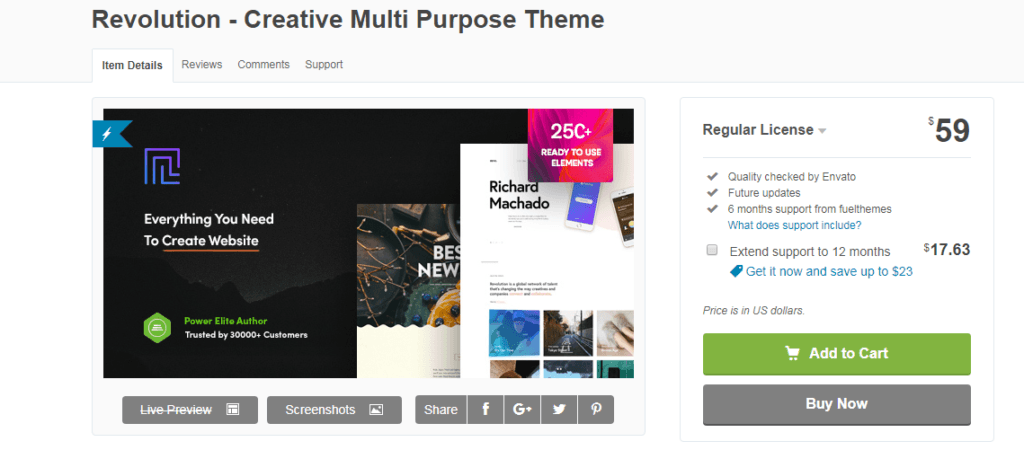

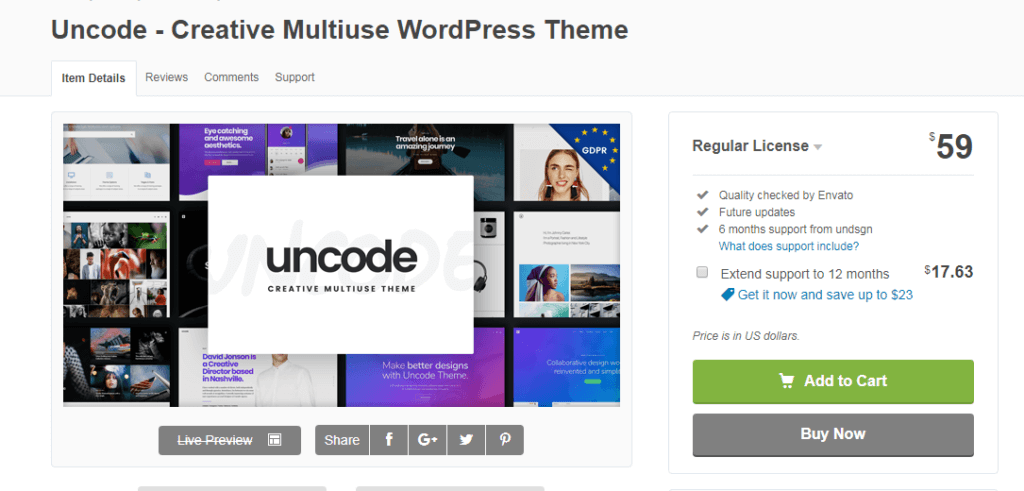
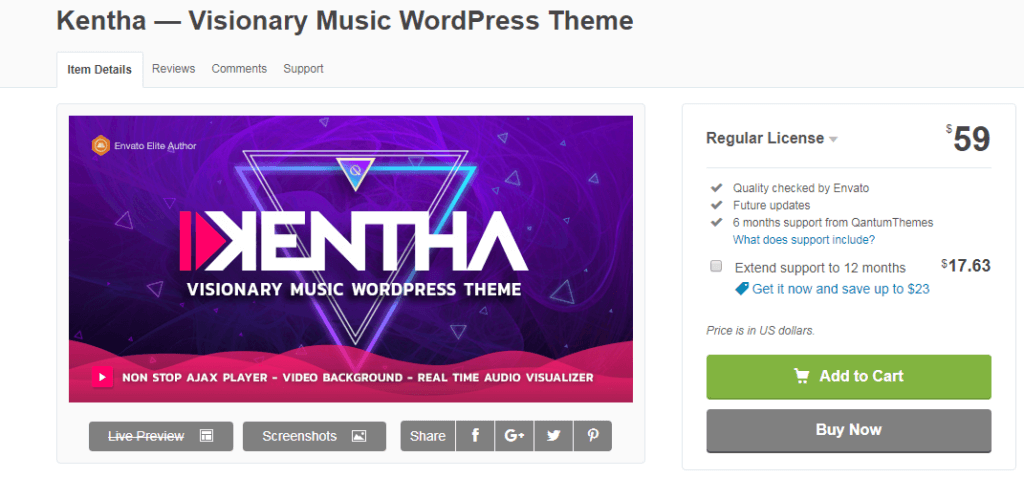
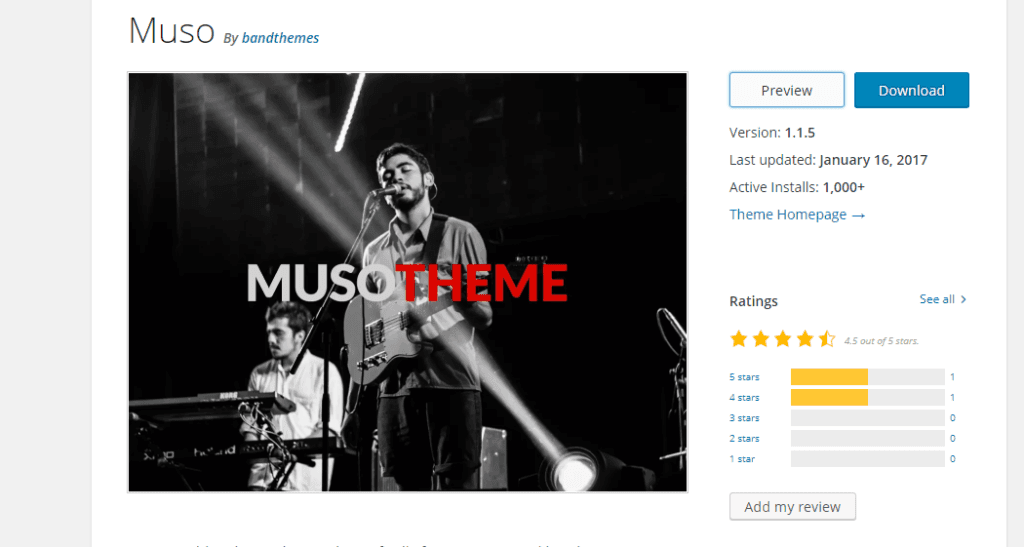



 It is expedient and technically advanced for fulfilling the requirements. An artist who wants to get a better online presence can use it for creating their own online website.


