

- Email Marketing - You can create and send emails with SendPulse?s easy-to-use drag and drop editor or you could simply use one of their predesigned email templates and customize them as per your requirements.
- SMTP Service - SMTP is used to send transactional and marketing email messages from any of your tools or applications using SendPulse.
- Web Push - Web push notifications are instant messages that you can send to your subscribers? devices.
- SMS - SendPulse also allows you to send SMS messages to your subscribers with a speed of 200?500 SMS/second on over 800 networks in over 200 countries around the world.
- REST API - SendPulse?s REST API gives engineers full control and endless managing capabilities.
 While affordability and features such as SMS and SMTP server set SendPulse apart from other ESPs in the market, the one feature that will appeal to most marketers is the ability to send push notifications to subscribers. Let?s take a closer look at web push notifications.
 Using Web Push Notifications on SendPulse
If you aren?t familiar with web push notifications, these are instant messages that you can send to your subscribers? devices. Push notifications look like SMS text messages, but they only reach users once they have opted in to receive your messages. You can use web push notifications to:
- Promote your products or services to increase sales
- Provide customer support
- Convert unknown users to known customers
- Send transactional receipts instantly
- Drive users to other marketing channels
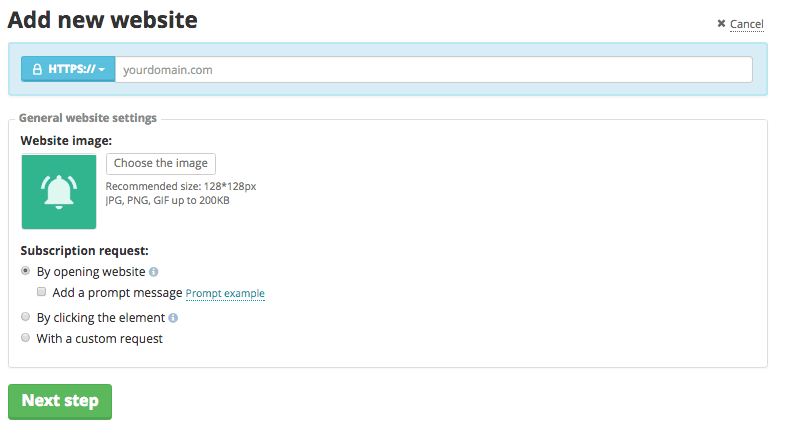 Next, you?ll be asked to add a code into your website template before the closing </head> tag. If you?re not a coder, then you can install Insert Headers and Footers plugin on your WordPress site, and insert the code.Once push notifications are enabled, you can leverage SendPulse?s REST API to integrate push notifications into your CMS, CRM, or other system. You can automatically send personalized webpush messages to your customers from the system you already use. To learn more about REST API, click here. If you haven?t signed up for SendPulse?s free account yet, you can do so by clicking on the link below. Compare the features that SendPulse provides with the features of your existing ESP. Who knows, you might just end up switching your email marketing service.
Share this:


